BLOG

DaVinci Resolve
Free Professional-Grade Video & Motion Editing
Posted on July 23, 2025, by Peter Loomis
Introduction
When you think of professional video editing software, names like Adobe Premiere Pro  or Apple's Final Cut Pro might come to mind. But what if you could access an equally powerful tool—used in major film productions—for free?
Enter DaVinci Resolve , a studio-grade video and motion editing platform available to anyone, no subscription required. Whether you’re a designer, content creator or motion artist, DaVinci Resolve deserves a place in your creative toolkit. If you already know, then you know. If not, read on — you can thank me later.
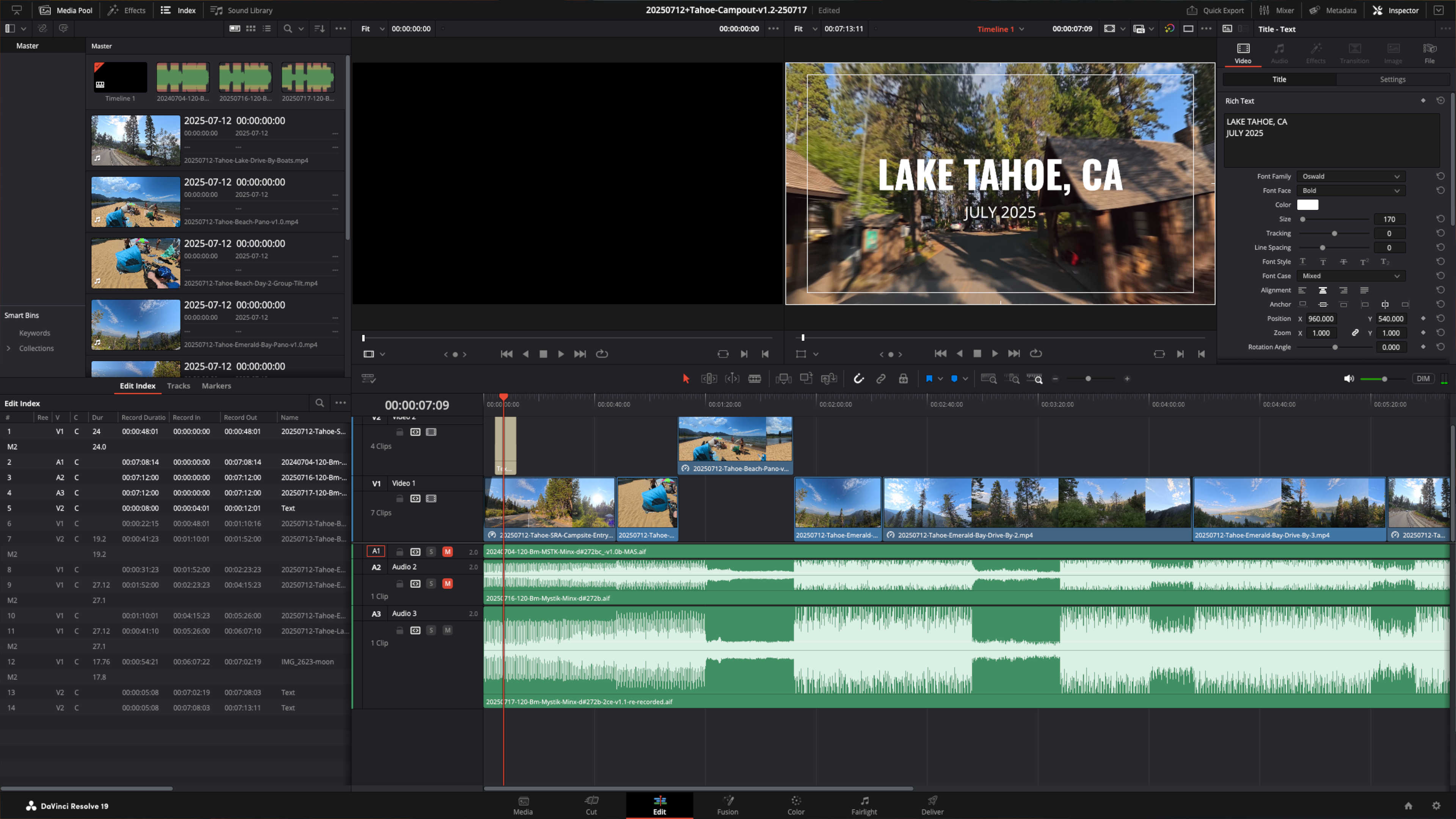
The comprehensive interface of DaVinci Resolve, showcasing its multiple integrated modules.
1. What is DaVinci Resolve?
Originally developed as a high-end color grading system, DaVinci Resolve has evolved into a full-featured post-production suite. Created by Blackmagic Design , it’s now widely used for everything from YouTube content to Hollywood films.
It’s available on macOS, Windows and Linux and the free version is incredibly capable. This is not trialware or a watered-down demo. Instead, it’s a seriously powerful tool with nearly everything you need to create polished, professional work.

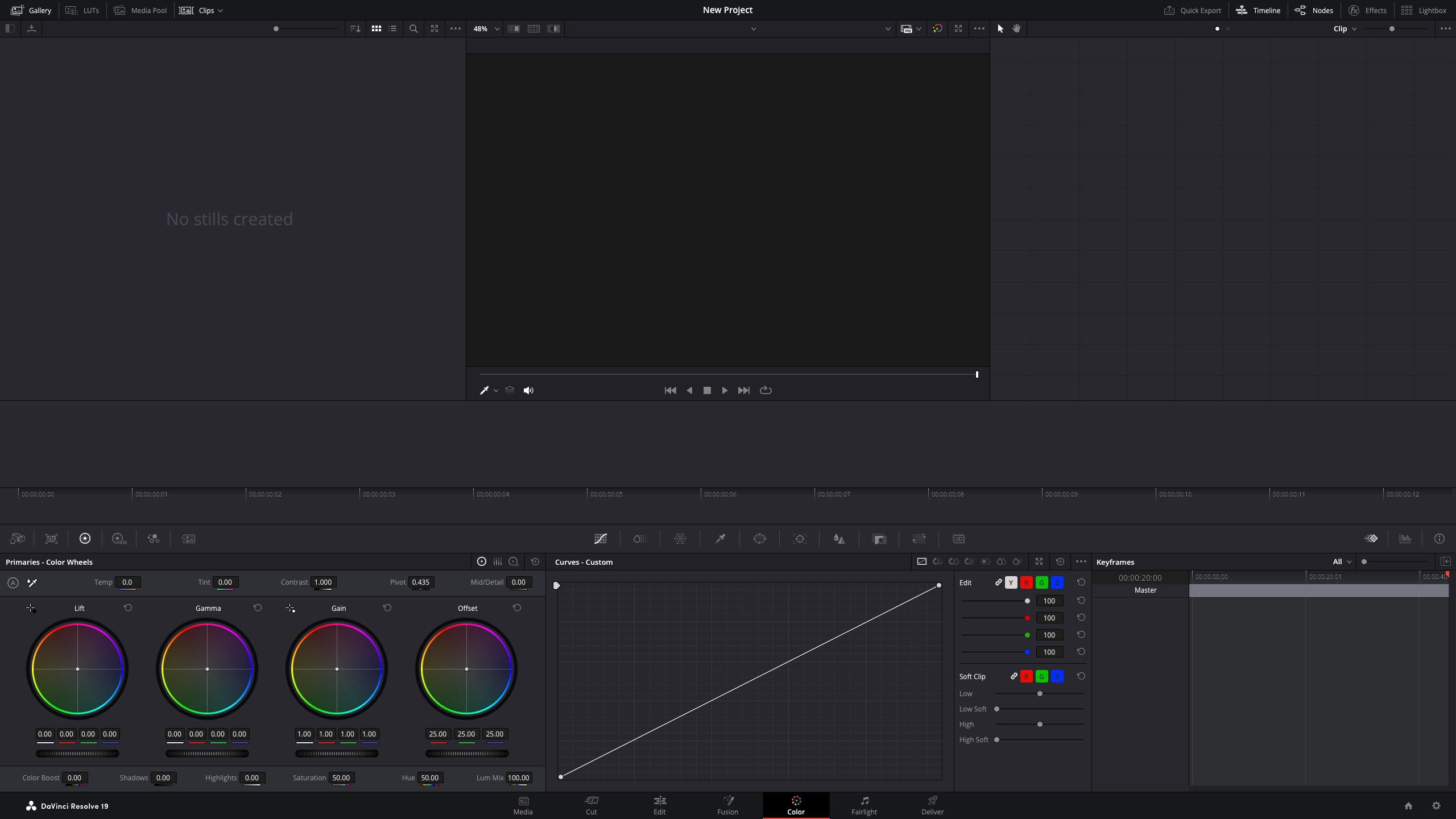
The Color Page. Resolve is organized with distinct 'pages' for phases of post-production, streamlining media management to delivery.
2. Why It’s a Game-Changer for Creatives
DaVinci Resolve stands out because it brings together editing, color correction, VFX, motion graphics, audio post and delivery—all in one seamless interface. Unlike Adobe’s Creative Cloud model, there’s no subscription. You download it once and you’re good to go.
Some reasons we love it:
- All-in-One Workflow: No more bouncing between apps for different tasks. Edit, color, add effects, mix audio and deliver—all within one program.
- Hollywood Pedigree: Used on blockbusters and major TV shows, giving you access to professional-grade tools.
- Exceptional Color Grading: Its roots are in color and it shows. Industry-leading color tools are built right in.
- Fairlight Audio: A complete digital audio workstation (DAW) for pro-level sound design and mixing. (More: Black Magic Design )
- Fusion VFX: Node-based visual effects and motion graphics for complex composites and animations. (More: Black Magic Design )
- Cross-Platform Compatibility: Works seamlessly on Mac, Windows and Linux.
- Active Community & Resources: Lots of tutorials, forums and a vibrant community to help you learn.
- Regular Updates: Blackmagic Design consistently adds new features and improvements.

Being able to handle different phases of post-production within the same app is a major workflow optimization and time saver for us.
3. Key Features & Workflows
DaVinci Resolve is structured around dedicated 'pages,' each optimized for a specific part of the post-production process. This integrated workflow is a huge time-saver and lets you fluidly move between tasks without exporting or importing.
Primary Screensets
- Media Page: Ingest, organize and manage all your footage.
 *
* - Cut Page
: Fast, intuitive editing for quick turnarounds, especially for social media content.
- Edit Page: A traditional timeline editor for detailed, professional editing with advanced tools.
- Fusion Page: Node-based visual effects and motion graphics for complex compositing, animation and 3D work. Ideal for designers and motion artists.
- Color Page: Industry-standard color correction and grading tools. This is where Resolve shines, offering unparalleled control over your visuals.
- Fairlight Page: A comprehensive DAW for audio editing, mixing and mastering.
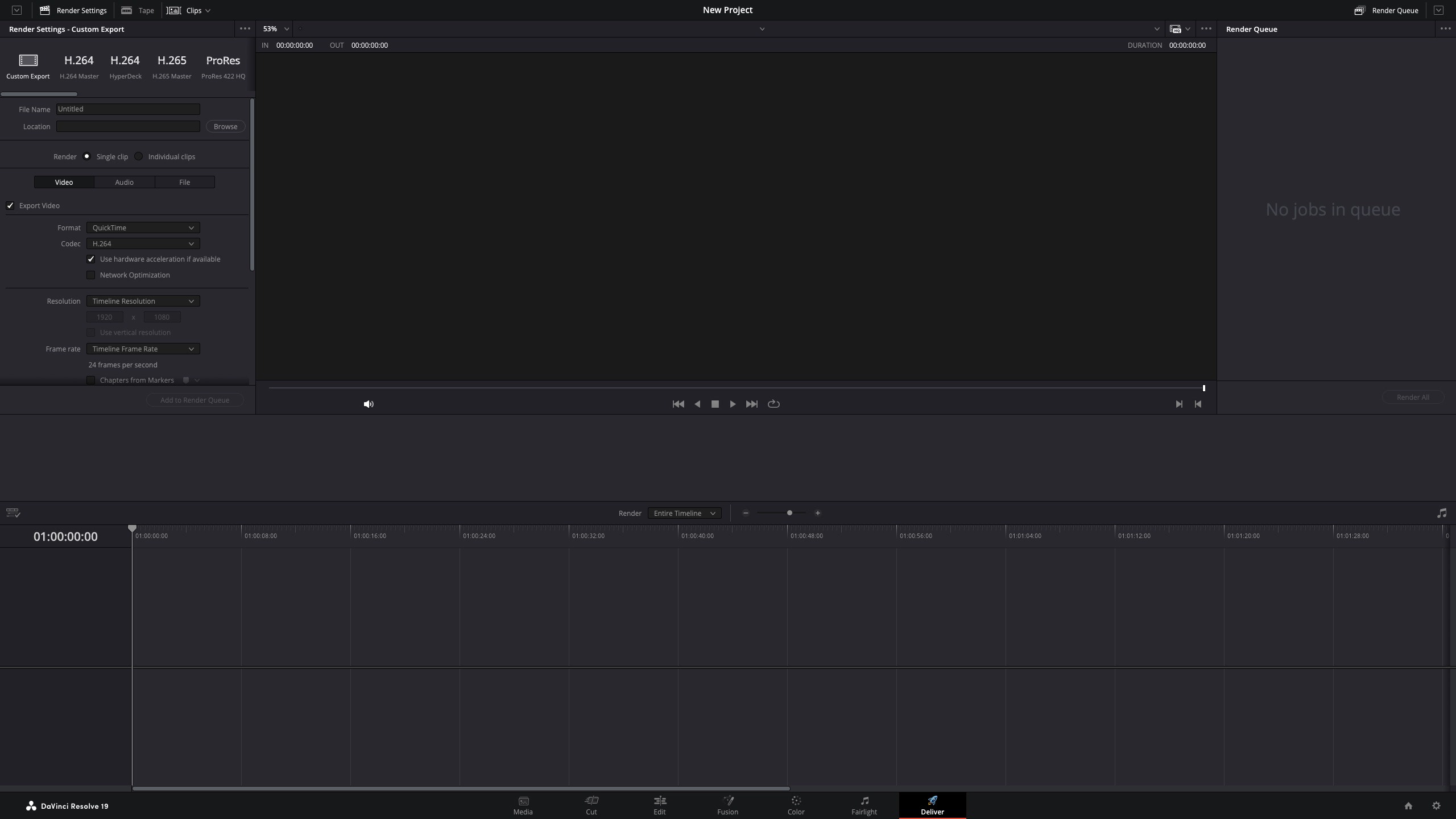
- Deliver Page: Render and export your final project in various formats, optimized for different platforms (YouTube, social media, broadcast, etc).
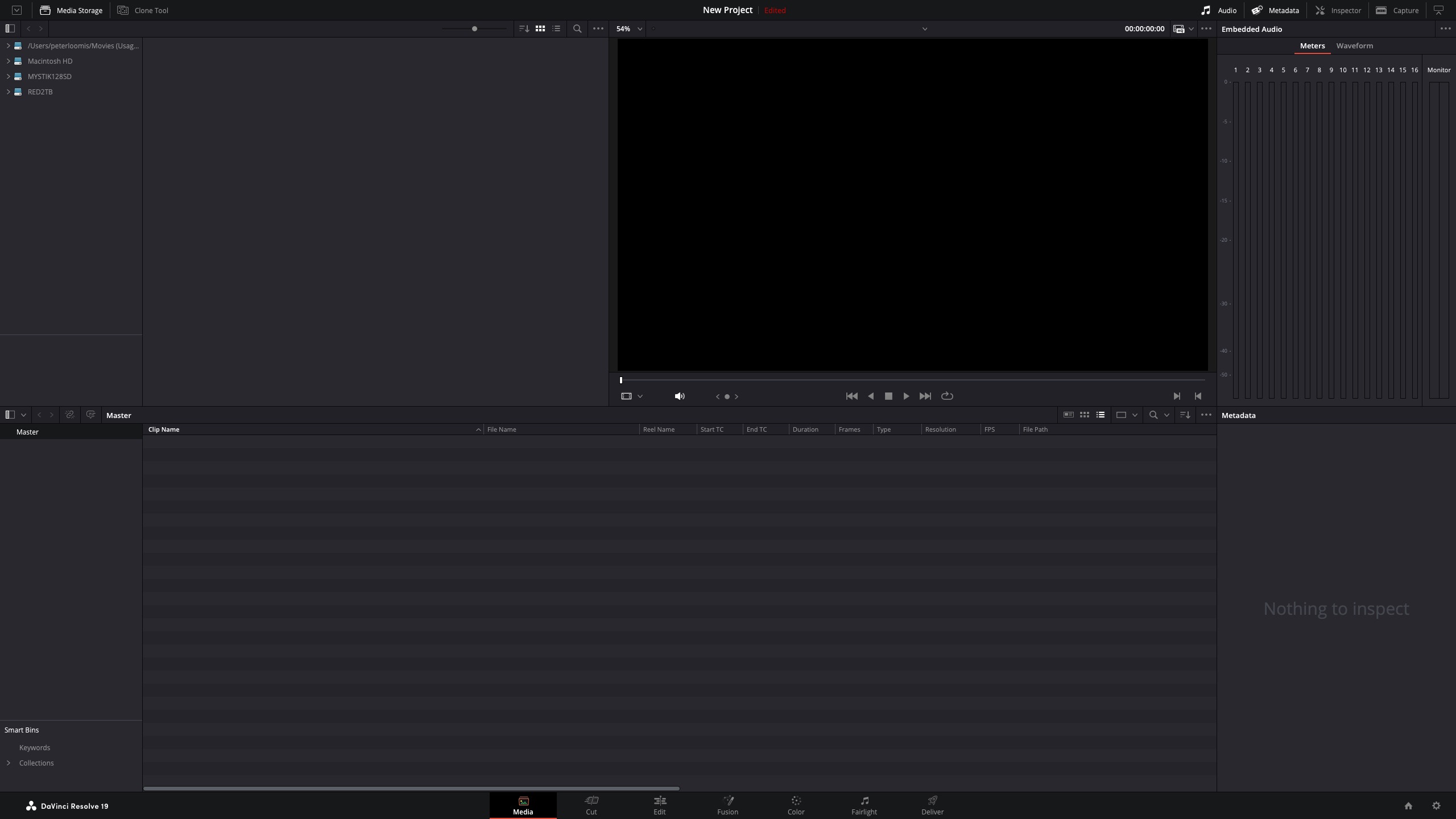
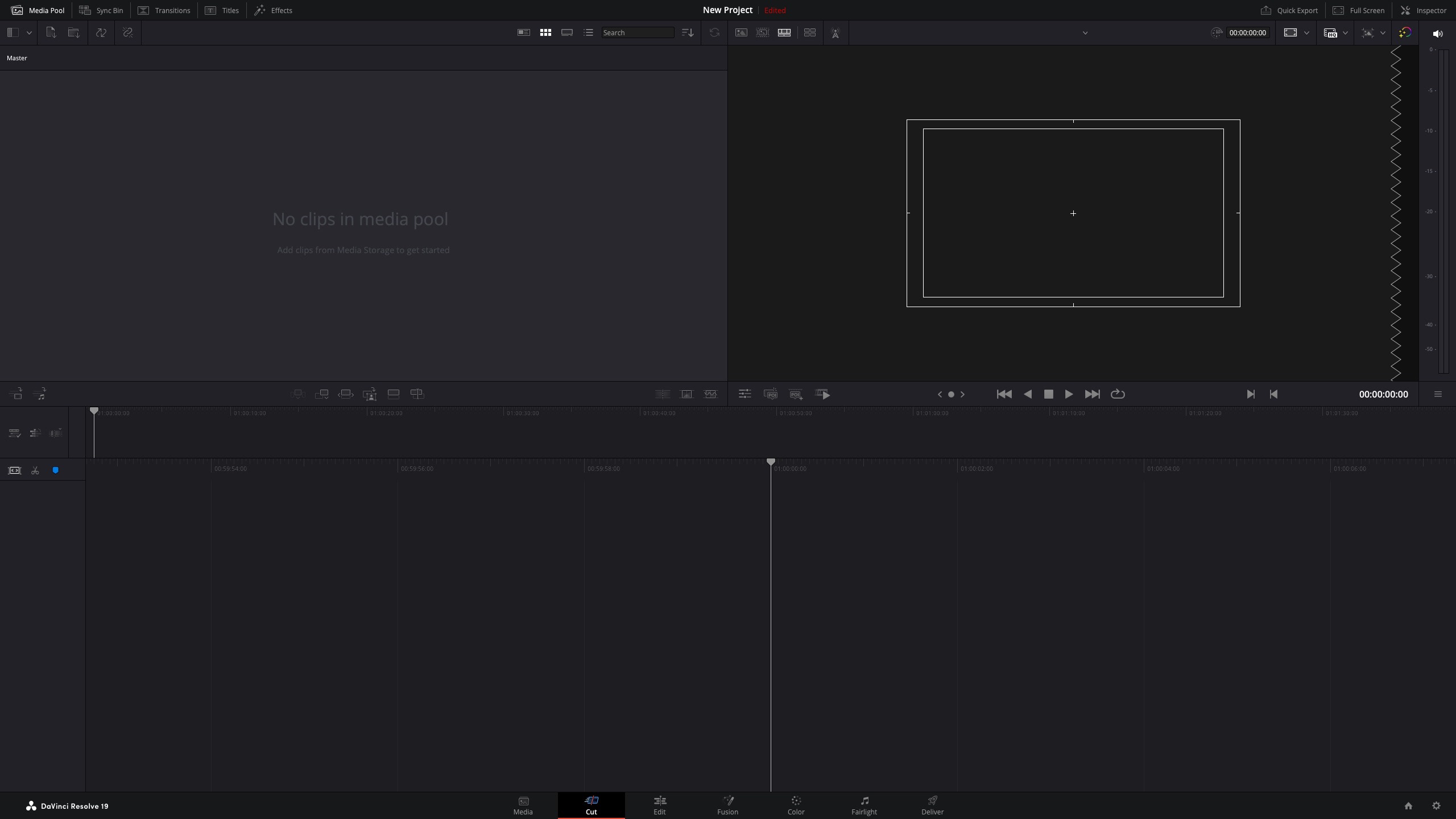
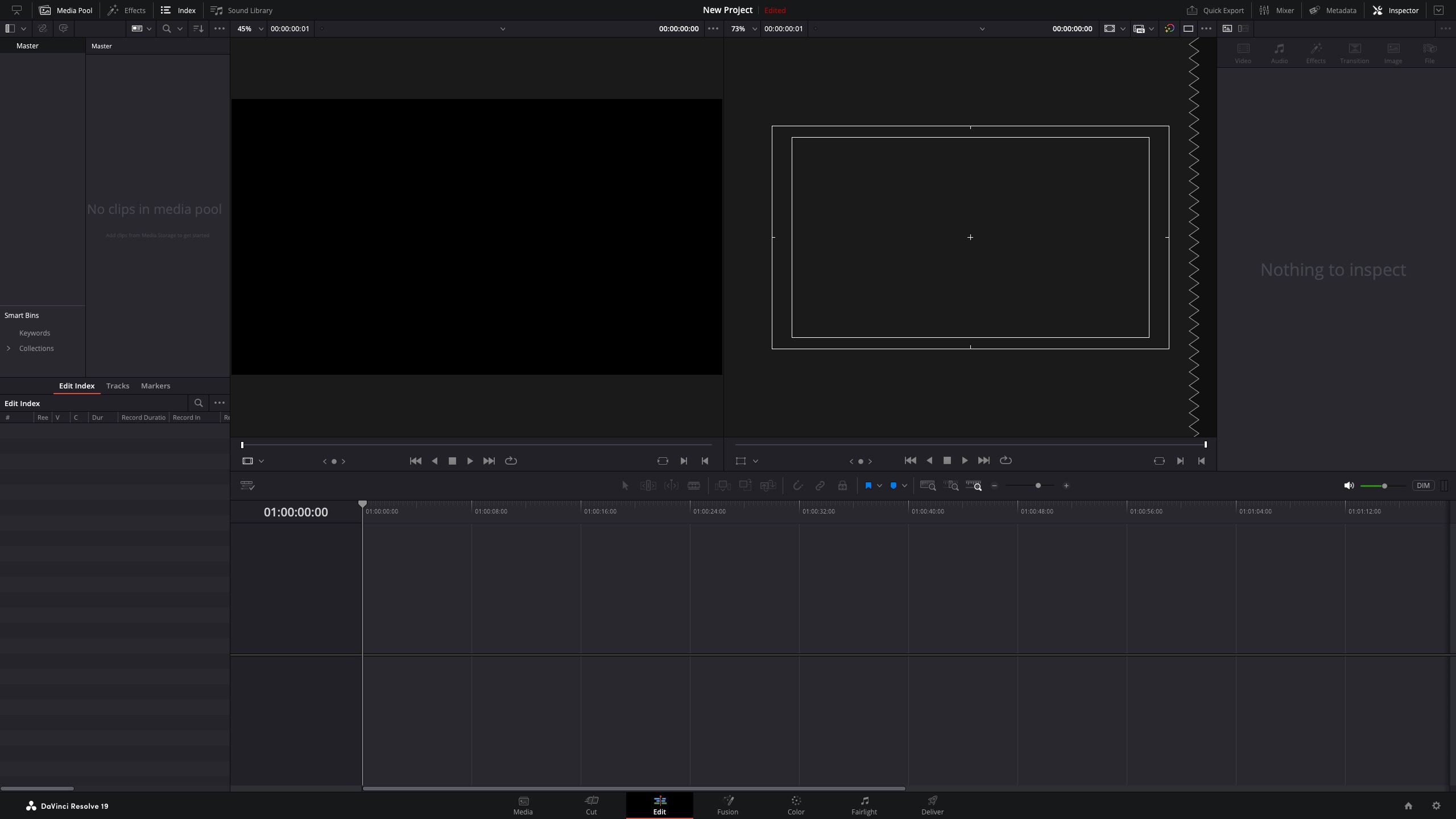
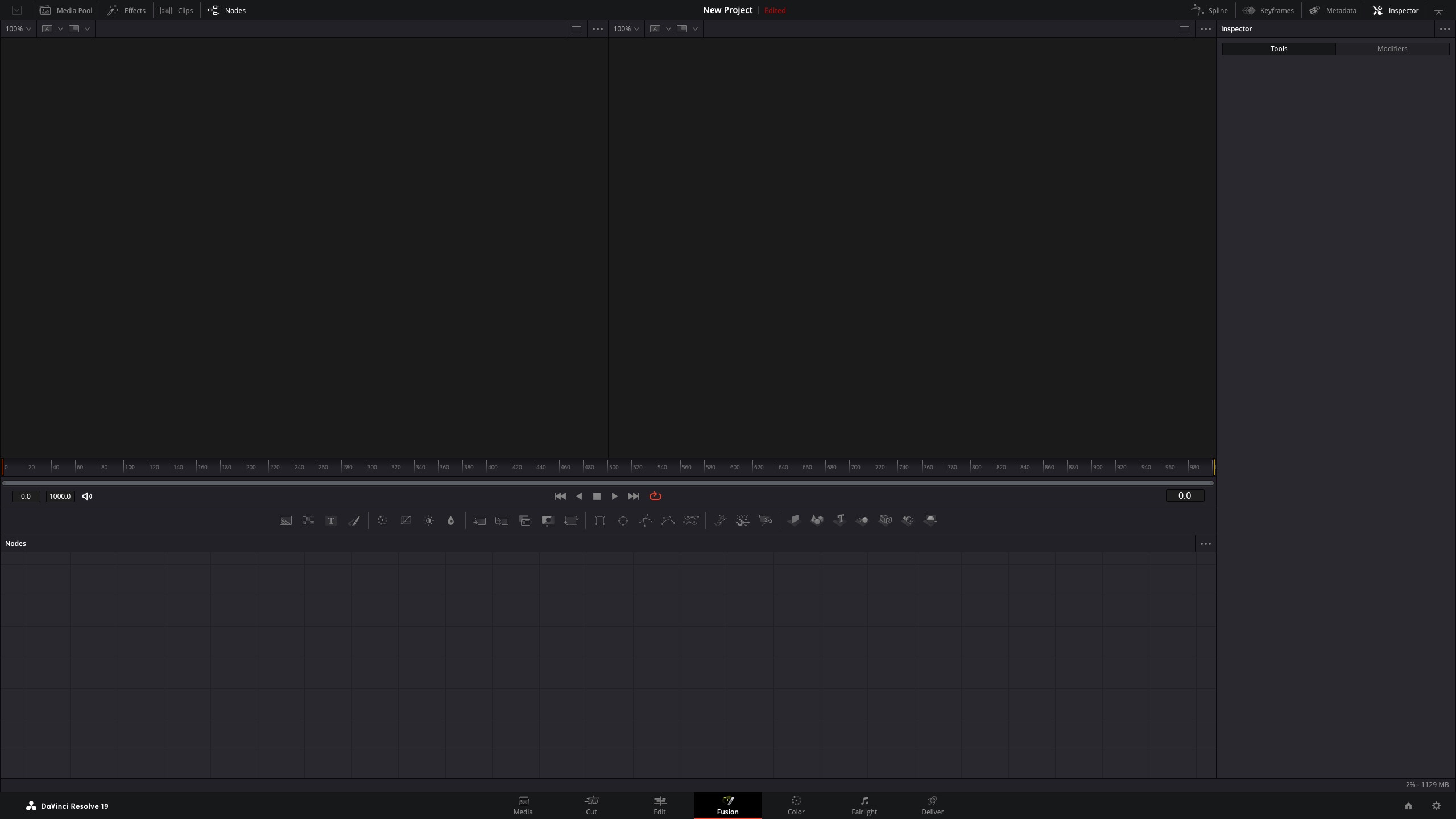

(*Click to enlarge screen images in a new tab)